GUIDE // GODOT 4
How to import a sprite sheet into Godot 4
Copy the PNG into your project folder and Godot imports it as a texture by itself. In the Import dock, keep mipmaps on for effects seen at a distance and choose a compression mode. Then tell the node how the sheet is cut, with Hframes and Vframes on a Sprite3D or the sprite sheet tool in SpriteFrames.
- Godot 4 Available
- Unity Manual setup
- Unreal Engine Manual setup
- Roblox Studio Manual setup
- three.js Available
A draft compile is from $0.05, and new accounts start with $5 of usage.

01 // HOW TO
Import and slice the sheet
- Copy the PNG into a folder inside your project, such as
res://fx/smoke/. Godot writes a.importfile next to it. - Select the PNG in the FileSystem dock and open the Import dock.
- Set Compress Mode to Lossless while you judge the look. Try a compressed mode later and compare the soft edges.
- Turn on Mipmaps > Generate for sheets used in 3D, then click Reimport.
- For a
Sprite3D, load the texture and set Hframes and Vframes to the grid, then pick the frame with Frame. - For an
AnimatedSprite3D, open its SpriteFrames, click Add Frames from Sprite Sheet and enter the same grid. - For particles, use the sheet on a
StandardMaterial3Dwith Particle Billboard and Particles Anim H Frames and V Frames.
02 // SETTINGS
Import settings that matter for effects
- Fix Alpha Border (on by default) fills the color of transparent pixels from their neighbors, which stops dark fringes at soft edges.
- Detect 3D can switch a texture to a compressed mode the first time a 3D material uses it. Set the mode yourself so it stays the way you chose.
- Texture filtering lives on the material in Godot 4, under Sampling > Filter, not in the Import dock. Linear Mipmap suits soft effects.
- Keep the sheet a power of two on each side, such as 1024 or 2048, so mipmaps and compression divide it cleanly.
03 // WITH SPATIAL COMPILER
Let your agent set the import options
When your agent wires a compile into a Godot 4 project, it sets the texture import settings for each sheet and writes the scene that uses them, so you can skip the by-hand import steps. Each sheet is 2048 x 2048 by default, 64 frames of 256 px on an 8 x 8 grid.
Put the output folder inside your project before wiring, since the scene refers to the sheets by their res:// paths.
04 // REAL OUTPUT
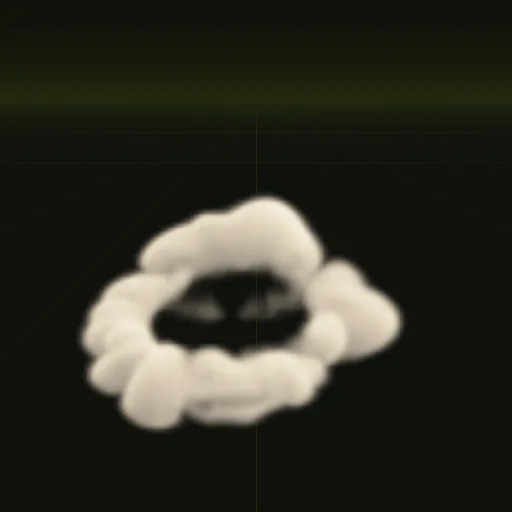
Sheets as they import
How do I import a sprite sheet into Godot?
Copy the PNG into your project folder so Godot imports it automatically, then adjust settings in the Import dock and click Reimport.
How do I slice a sprite sheet in Godot?
Leave the image intact and set Hframes and Vframes on Sprite3D or use Add Frames from Sprite Sheet in SpriteFrames.
Should I use a sprite sheet or individual images for effects in Godot?
Use a sprite sheet because particles and flipbook materials read a single grid texture and load faster than 64 separate files.
How do I use a dust sprite sheet with a transparent background in Godot?
Save the PNG with an alpha channel, keep Fix Alpha Border enabled in the Import dock and set Transparency to Alpha.
Compile your first effect
You pay per compile and see the price before it runs. New accounts start with $5 of usage.