EFFECTS // pyrofx
Fire, smoke, explosion and dust effects for your game
You can get fire, smoke, explosion and dust effects by asking your agent for them. Each one comes back as sprite sheets that loop or play once. Godot gets a ready scene. three.js plays the packed sheet with a snippet on a Sprite. Unity, Unreal Engine and Roblox Studio use the same sheets by hand.
- Godot 4 Available
- Unity Manual setup
- Unreal Engine Manual setup
- Roblox Studio Manual setup
- three.js Available
A draft compile is from $0.05, and new accounts start with $5 of usage.
01 // HOW IT WORKS
Get an effect into your scene
- Get a free API key and connect your agent to Spatial Compiler (see Install via MCP).
- Ask for what you need in plain words, such as "a campfire that loops" or "a car explosion that plays once". Your agent starts from the closest of eight shipped examples.
- Your agent checks the price for free, makes a quick draft (from $0.05) so you can judge the look, then makes the final version (from $0.10).
- In Godot 4, your agent puts the effect in a ready scene with a shader that relights the smoke when your sun moves. In other engines, you set up the same sprite sheets by hand.
02 // REAL OUTPUT
Effects made from the shipped examples
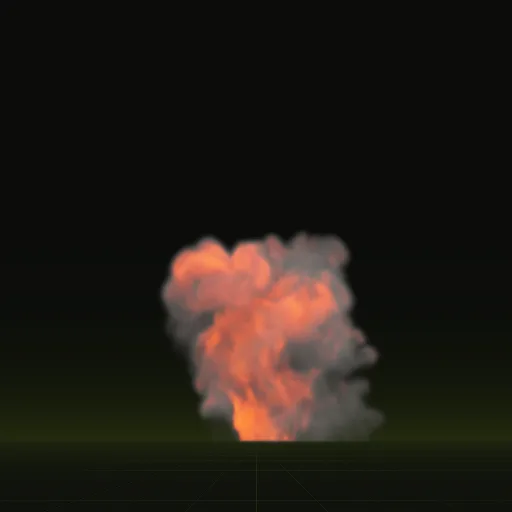

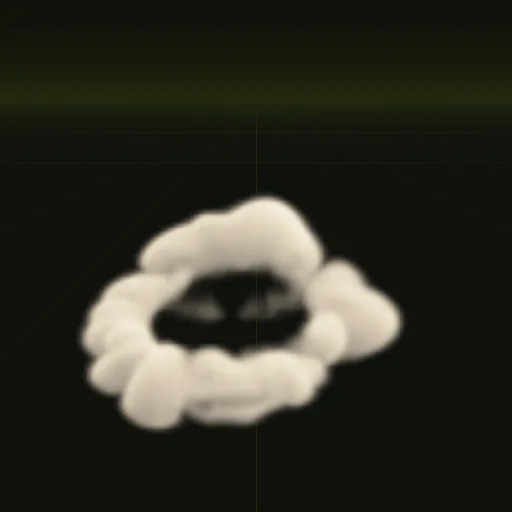
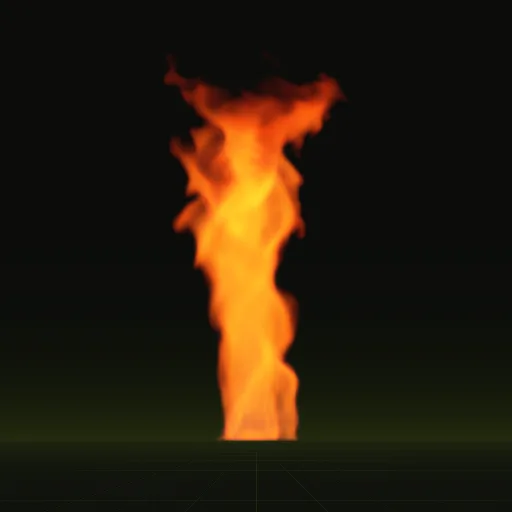
Each of these effects is a final-quality compile of a shipped example, played from its own sprite sheets. Open one to see the settings that made it.
03 // ALL PAGES
Effects by engine, sprite sheets, guides and explainers
Effects by engine
Godot 4 sets up the effect for you today. In the other engines you play the same sheets by hand, with steps for each effect.
- Godot 4 VFX Godot 4Fire, smoke, explosion and dust effects for Godot 4, delivered as ready scenes with lighting that follows your sun.
- Unity VFX UnityFire, smoke, explosion and dust effects in Unity: sprite sheets you set up by hand.
- Unreal Engine VFX Unreal EngineFire, smoke, explosion and dust effects in Unreal Engine: sprite sheets you set up by hand.
- Roblox Studio VFX Roblox StudioFire, smoke, explosion and dust effects in Roblox Studio: sprite sheets you set up by hand.
- three.js VFX three.jsFire, smoke, explosion and dust effects in three.js: sprite sheets you play with a documented snippet, next to Godot 4's ready scene.
Sprite sheets and games
- Sprite sheetsSprite sheets for fire, smoke, explosion and dust effects, and how the grid, formats, loops and channels work.
- VFX for gamesFire, smoke, explosion and dust effects sized for shooters, strategy, survival, tower defense and platformer games.
Guides, explainers, MCP and meshfx
- GuidesHow-to guides for game effects in Godot 4, Unity, Unreal Engine, Roblox Studio and three.js, one question each.
- LearnPlain explanations of game VFX, agent and 3D model terms, each with how it affects your project.
- Engine MCPUsing Spatial Compiler's hosted MCP server next to Godot, Unity, Unreal Engine, Blender, Roblox Studio and three.js.
- meshfx Availablemeshfx model guides and compiled output reference. Hosted meshfx runs are available in the Playground.
How do I make VFX for games without a simulation tool?
Ask your agent for the effect. Spatial Compiler simulates it from a short description and returns sprite sheets your engine can play.
What files do I get for each effect?
Four PNG sprite sheets of 64 frames, a layout JSON file with the grid and timing and previews. Two sheets hold lighting from six directions.
Which engines can play the effects?
Import the ready scene in Godot or play the packed sheet in three.js. Set up the sheets by hand in Unity, Unreal Engine and Roblox Studio.
What does an effect cost?
A draft compile starts at $0.05 and a full quality compile starts at $0.10. Checking the price is free and new accounts start with $5 of usage.
Can AI make game VFX?
Yes, for fire, smoke, explosion and dust. Your agent calls Spatial Compiler, which simulates the effect and compiles sprite sheets your engine can play.
Compile your first effect
You pay per compile and see the price before it runs. New accounts start with $5 of usage.