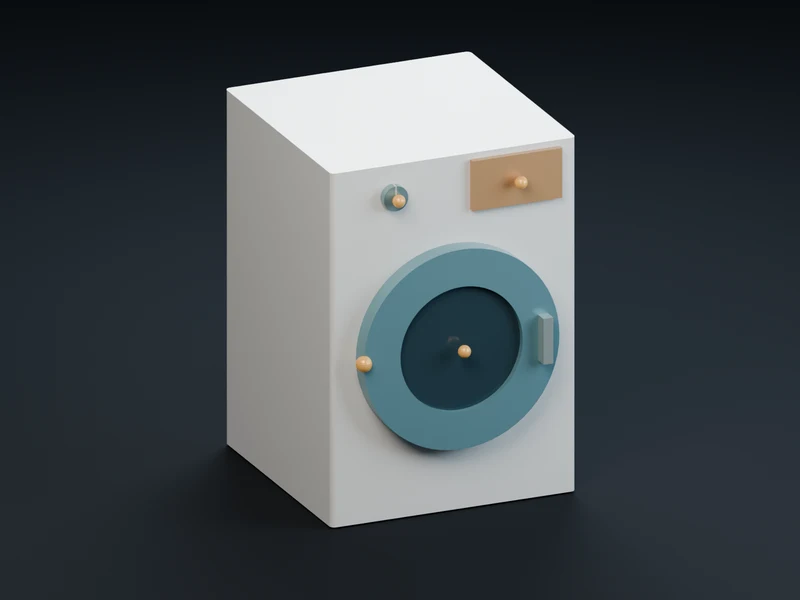
Start with marked moving partsBegin with a model that marks each part meant to move. 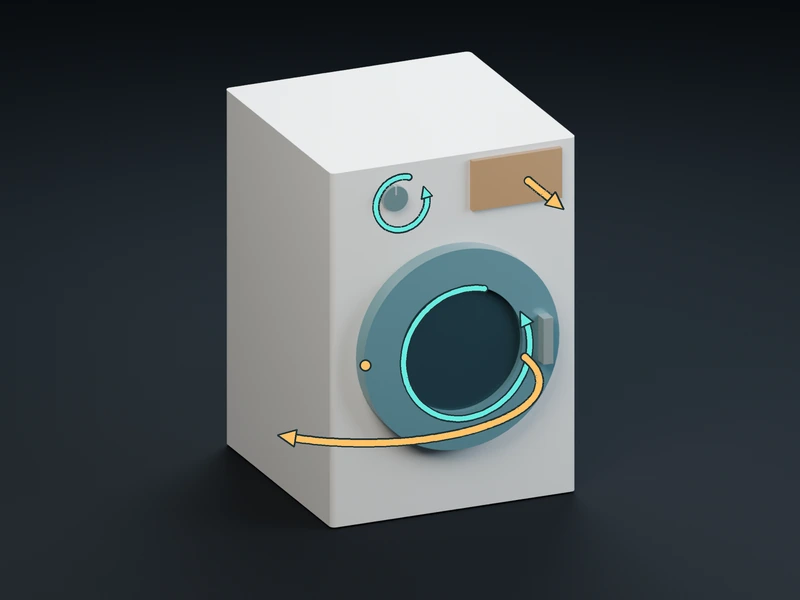
meshfx finds every jointmeshfx identifies each joint and its motion limits. 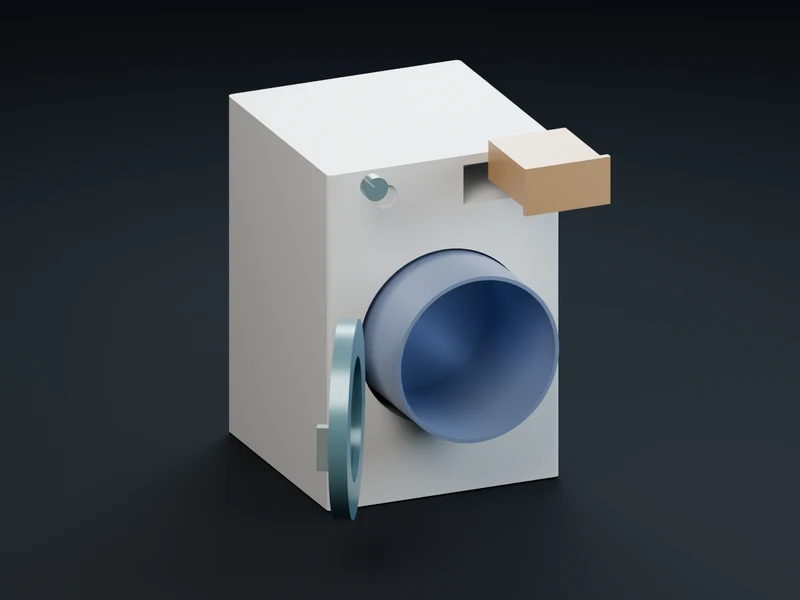
Parts are reduced on their ownEach rigid part is cleaned and reduced on its own, without merging that part into the rest of the model. 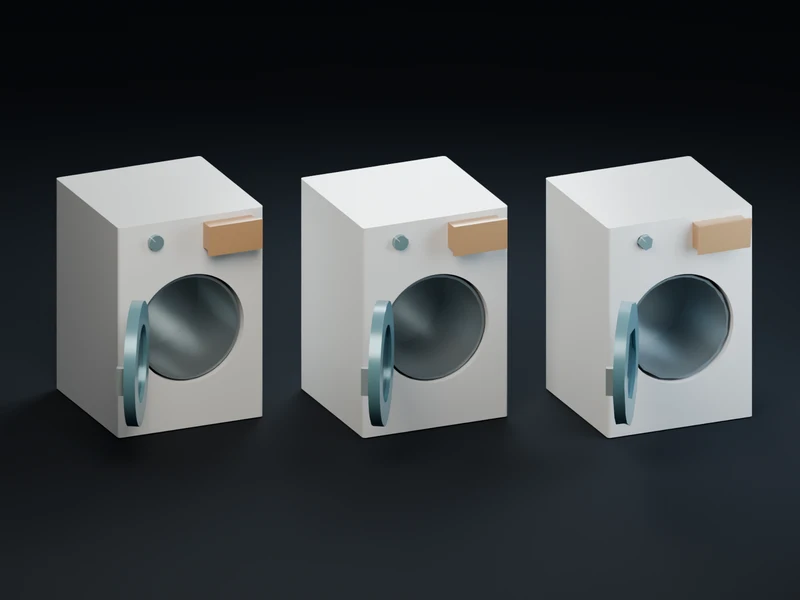
Lighter versions still moveEvery level of detail keeps the same joints and motion limits intact. 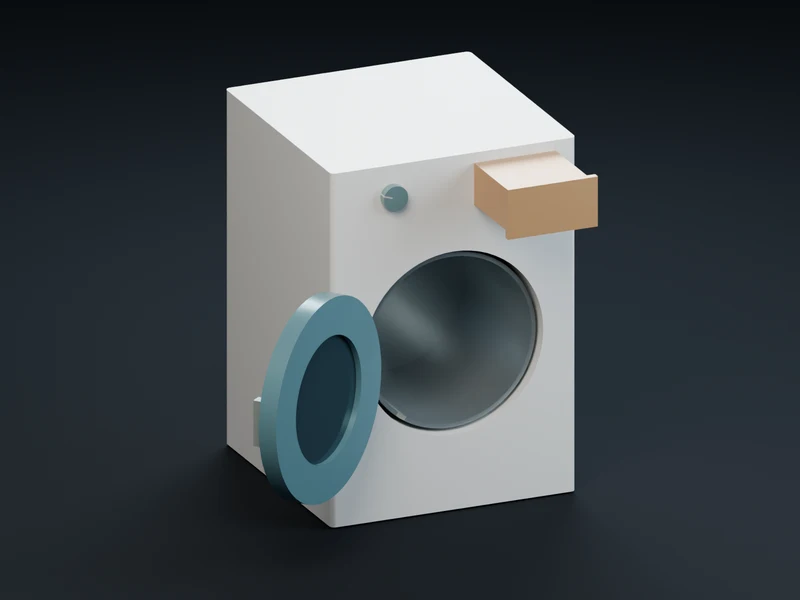
Fully articulated in your engineYour game or agent gets a lighter asset that already moves, without building the motion from scratch.
The compiled asset keeps its moving parts at every detail level, and Godot exports include a controller so you get full articulation without writing or building the motion from scratch. Read the articulation docs →
Questions
How does meshfx know which parts of a model should move?
meshfx reads pivot nodes and joint annotations authored in the input GLB and keeps each moving rigid part separate.
Do lighter LOD levels keep hinges and sliders working?
Yes, meshfx cleans and reduces each rigid part separately so every level preserves the original pivot hierarchy and motion.
How does a game engine drive an articulated model from meshfx?
Engines read the layout JSON and drive the named pivot nodes or Godot users can use the optional scene and controller script.