GUIDE // GODOT 4
How to control an effect's playback from code in Godot 4
Turn off the effect's own playback and set its time yourself every frame, from your own clock, a replay timeline or a slider. In Godot 4 you set frame on a Sprite3D or seek an AnimationPlayer. A wired Spatial Compiler scene takes its clip time in seconds, so one value pauses, slows or rewinds it.
- Godot 4 Available
- Unity Manual setup
- Unreal Engine Manual setup
- Roblox Studio Manual setup
- three.js Available
A draft compile is from $0.05, and new accounts start with $5 of usage.
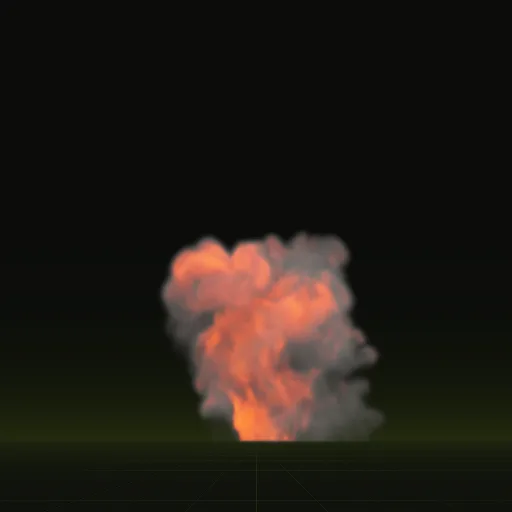
01 // WHY
When the effect should not keep its own time
- Slow motion and pause menus that should freeze the fire mid-flicker.
- Replays and kill cams that scrub backward and forward.
- Multiplayer, where every client should show the same frame of the same explosion.
- Cutscenes timed to an AnimationPlayer track.
02 // HOW TO
Drive a wired effect from a clock
- Ask your agent to compile the effect and wire it into your project, then instance the scene where it plays.
- In
_ready(), setautoplay = falseon the effect so it stops advancing on its own. - Keep your own clock, scaled by whatever sets your playback speed.
- Each frame, write the clock to
time_s, the clip time in seconds. - To rewind, lower the clock. The effect shows the frame for that time.
extends Node3D

@onready var fx = $Fireball  # the scene wire wrote
var clock := 0.0
var rate := 1.0  # 0.25 for slow motion, 0 to pause, -1 to rewind

func _ready() -> void:
	fx.autoplay = false

func _process(delta: float) -> void:
	clock = maxf(clock + delta * rate, 0.0)
	fx.time_s = clock
In multiplayer, set clock from the server time of the event instead of adding delta, so late joiners see the explosion at the right moment.
03 // BY HAND
The same control on Godot's own nodes
Sprite3Dwith Hframes and Vframes: setframefrom your clock,int(clock * fps) % frame_countfor a loop.AnimatedSprite3D: callpause()and setframeandframe_progress, or changespeed_scale.AnimationPlayer: callseek(clock, true)to jump to a time and update at once.GPUParticles3D:speed_scaleslows or pauses the simulation, but it cannot run backward. Use a flipbook node for anything you need to rewind.
04 // REAL OUTPUT
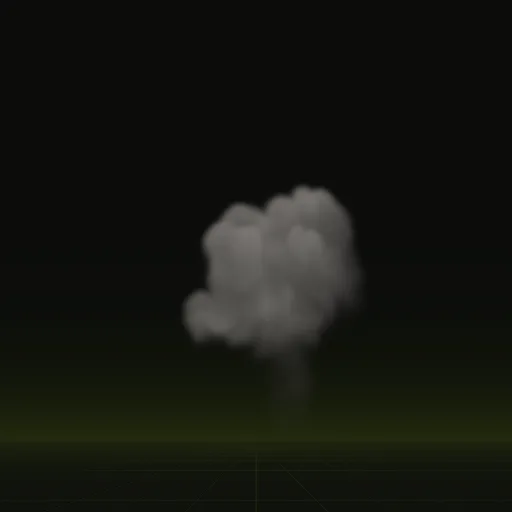
Clips worth scrubbing
How do I change animation speed from code in Godot?
Set speed_scale on AnimatedSprite3D, AnimationPlayer or GPUParticles3D or multiply delta when advancing time_s on a wired Spatial Compiler scene.
Should I use AnimationPlayer or AnimatedSprite3D for a flipbook in Godot?
Use AnimatedSprite3D for a flipbook that plays on its own and AnimationPlayer keying Sprite3D frames when syncing with cutscene tracks.
Why is my AnimatedSprite3D not playing in Godot?
No animation is started; turn on Autoplay on Load or call play() in _ready() and confirm speed_scale is above 0.
How do I emit particles from code in Godot?
Set emitting to true on GPUParticles3D or call restart() to fire a One Shot emitter again after moving the node.
Why is my GPUParticles3D finished signal not firing?
The finished signal fires only when One Shot is enabled after the last particle dies; a looping emitter never sends it.
Compile your first effect
You pay per compile and see the price before it runs. New accounts start with $5 of usage.