GUIDE // GODOT 4
How to make a one-shot explosion with GPUParticles3D in Godot 4
Turn on One Shot and set Explosiveness to 1 on a GPUParticles3D, so every particle spawns at once and the emitter stops after one cycle. Spawn your scene where the blast happens, set emitting to true, and connect its finished signal to queue_free so the node removes itself when the last particle dies.
- Godot 4 Available
- Unity Manual setup
- Unreal Engine Manual setup
- Roblox Studio Manual setup
- three.js Available
A draft compile is from $0.05, and new accounts start with $5 of usage.
01 // HOW TO
Build the explosion scene
- Create a new scene with a
GPUParticles3Das its root and save it asexplosion.tscn. - Turn on One Shot, set Explosiveness to 1 and set Lifetime to the length of your explosion sheet.
- Set Animation Speed to 1 in the process material and leave Particles Anim > Loop off in the draw material, so the sheet plays once and holds its last, empty frame.
- Leave Emitting off in the saved scene. The spawning script turns it on.
- Spawn it from your own code with
spawner.gd.
extends Node3D

const EXPLOSION := preload("res://fx/explosion.tscn")

func spawn_explosion(pos: Vector3) -> void:
	var fx: GPUParticles3D = EXPLOSION.instantiate()
	get_tree().current_scene.add_child(fx)
	fx.global_position = pos
	fx.finished.connect(fx.queue_free)
	fx.emitting = true
finished fires only on a one-shot emitter, once the last particle has died, so the node never lingers.
02 // WITH SPATIAL COMPILER
An explosion that ends on its own
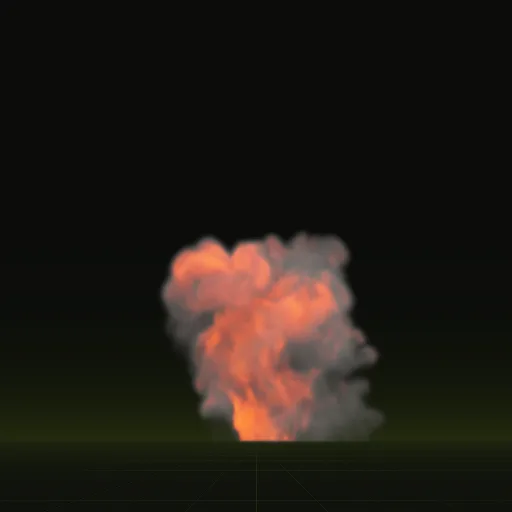
Ask your agent for a fireball or an impact. A one-shot compile ends when the effect has faded, so the last frame is empty and nothing pops off. In Godot 4 your agent drops it into a scene as a quad sized in meters with its origin on the ground, so you place it at the point of impact.
The wired scene plays when it enters the tree. To free it, start a timer for the clip length that layout.json records, or ask for node=particles to get a GPUParticles3D and free it with finished as in Build the explosion scene.
# life_s: the clip length from the bake's layout.json
func spawn_effect(scene: PackedScene, pos: Vector3, life_s: float) -> void:
	var fx: Node3D = scene.instantiate()
	get_tree().current_scene.add_child(fx)
	fx.global_position = pos
	get_tree().create_timer(life_s).timeout.connect(fx.queue_free)
03 // REAL OUTPUT
One-shot compiles
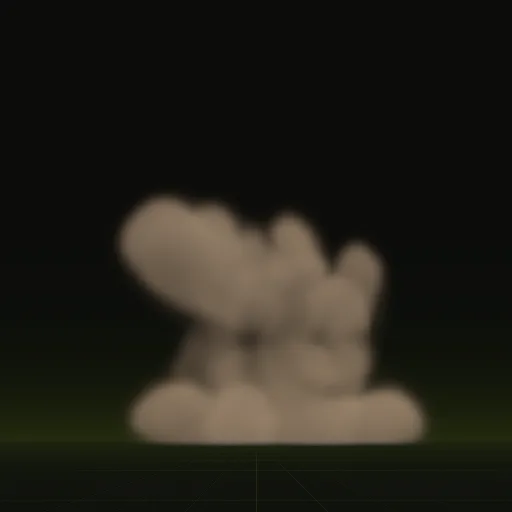
The fireball plays for 3.7 seconds and the impact for 2.0 seconds, each in 64 frames.
How do I make a single burst explosion with GPUParticles3D in Godot?
Turn on One Shot and set Explosiveness to 1, then set emitting to true when the blast happens or call restart() to replay.
How do I trigger an explosion and remove the particle node afterward in Godot?
Connect the emitter finished signal to queue_free before setting emitting to true so the node frees itself after the last particle dies.
How do I make an explosion expand quickly and fade out smoothly?
Use high Initial Velocity with strong Damping, a Scale Curve that rises steeply at the start and a Color Ramp ending at zero alpha.
How do I layer explosion particles in Godot?
Start two One Shot emitters on the same frame: one with a few large fireball cards and a second with many small debris particles.
Compile your first effect
You pay per compile and see the price before it runs. New accounts start with $5 of usage.