GUIDE // GODOT 4
How to make a dust puff when a character lands in Godot 4
Keep a one-shot GPUParticles3D at your character's feet and call restart() on the frame is_on_floor() turns true after a fall. Make the puff spread flat along the ground, grow and fade out within about a second. For hard landings, a precomputed dust ring adds the rolling cloud that a few soft particles cannot.
- Godot 4 Available
- Unity Manual setup
- Unreal Engine Manual setup
- Roblox Studio Manual setup
- three.js Available
A draft compile is from $0.05, and new accounts start with $5 of usage.
01 // HOW TO
Set up the puff
- Add a
GPUParticles3Das a child of yourCharacterBody3D, at the feet, and name it LandingDust. - Turn on One Shot, set Explosiveness to 1, Amount to 8 to 16 and Lifetime to 0.6 to 1 second. Leave Emitting off.
- In the
ParticleProcessMaterial, set Direction to (1, 0, 0), Spread to 180 and Flatness to 1, so particles leave sideways in every direction. - Set Gravity to (0, 0, 0), Initial Velocity to about 1 to 2 m/s and Damping to slow them down.
- Add a Scale Curve that grows from small to large and a Color Ramp that ends at zero alpha. On the draw material, turn on Billboard > Keep Scale, or Particle Billboard drops the scale curve.
- Use a soft dust sheet on a Particle Billboard material and add
player.gdto the character.
extends CharacterBody3D

@onready var dust: GPUParticles3D = $LandingDust
var was_on_floor := true

func _physics_process(delta: float) -> void:
	# your movement code sets velocity here
	var fall_speed := -velocity.y
	move_and_slide()
	if is_on_floor() and not was_on_floor and fall_speed > 4.0:
		dust.restart()
	was_on_floor = is_on_floor()
Reading the fall speed before move_and_slide() matters, because the collision zeroes it. The 4 m/s threshold skips small steps and stairs.
02 // WITH SPATIAL COMPILER
A dust ring for heavy landings
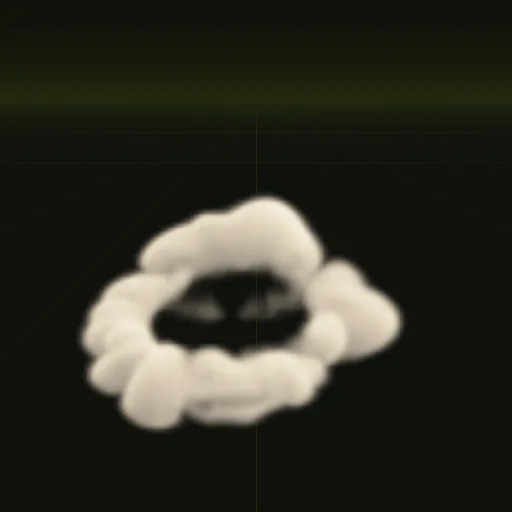
Ask your agent for a dust ring and you get a wide, low ring of dust kicked out from a point; the example is 10.5 m across and 2.2 m tall. Ask for a smaller one for a character. In Godot 4 your agent drops it into a scene whose origin sits on the ground, so it lines up with the feet.
The shader fades the dust where it meets the floor (depth fade), so the ring does not show a hard line at ground level. Play it on big drops and keep the particle puff for every landing.
03 // REAL OUTPUT
Ground dust compiles
How do I create a dust puff when a character lands in Godot?
Detect landing in _physics_process by comparing is_on_floor() with the previous frame, then call restart() on a One Shot emitter at the feet.
How do I make dust fade out while expanding over its lifetime?
Use a rising Scale Curve and a Color Ramp whose alpha drops to 0 in the process material, with Damping to slow drift.
How do I add random rotation and scale to dust particles in Godot?
Set Angle Min and Max to 180 degrees apart and Scale Min and Max to a varied range so each billboard card spins uniquely.
How do I make subtle ground dust particles in Godot?
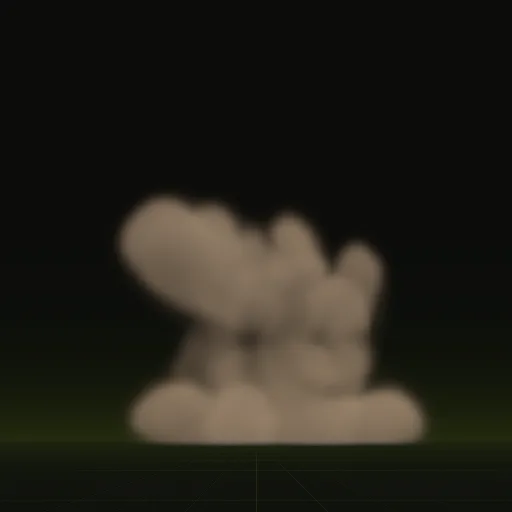
Use GPUParticles3D with a soft, low contrast sheet, a flat spread along the ground and a short lifetime matching the floor color.
Compile your first effect
You pay per compile and see the price before it runs. New accounts start with $5 of usage.