GUIDE // GODOT 4
How to make dust spread along the ground in Godot 4
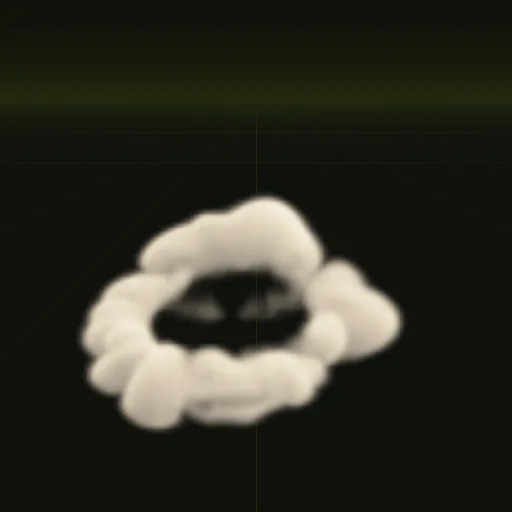
Point your ParticleProcessMaterial sideways, set Spread to 180 and Flatness to 1, and particles fan out in a flat ring instead of rising. Set gravity to zero or close to it, add damping so the dust slows, and turn on Proximity Fade so the cards soften where they touch the floor. A heightfield collider keeps dust on uneven terrain.
- Godot 4 Available
- Unity Manual setup
- Unreal Engine Manual setup
- Roblox Studio Manual setup
- three.js Available
A draft compile is from $0.05, and new accounts start with $5 of usage.
01 // HOW TO
Keep dust low
- In the
ParticleProcessMaterial, set Direction to (1, 0, 0), Spread to 180 and Flatness to 1. Flatness removes the vertical part of the spread. - Set Gravity to (0, -0.5, 0) or (0, 0, 0), Initial Velocity to 2 to 4 m/s and Damping high enough that the dust stops within a meter or two.
- Set Emission Shape to Ring or a flat Box at ground height, so the dust starts at the edge of the impact.
- On the draw material, turn on Proximity Fade with a Distance of about 0.3 m.
- For bumpy terrain, add a
GPUParticlesCollisionHeightField3Dover the area and set Collision Mode to Rigid with low Bounce in the process material.
02 // ORIENTATION
Cards on the floor or facing you
Particle Billboard cards face the camera, which looks right for puffs seen from the side. For a top-down camera, lay the cards flat: set the draw pass QuadMesh Orientation to Face Y and Billboard Mode to Disabled, then spin them with Angle.
extends CharacterBody3D

@onready var trail: GPUParticles3D = $DustTrail

func _physics_process(delta: float) -> void:
	# your movement code, then:
	move_and_slide()
	var speed := Vector2(velocity.x, velocity.z).length()
	trail.emitting = is_on_floor() and speed > 3.0
For a trail behind a running character or a vehicle, leave Local Coords off on the emitter so the dust stays where it fell.
03 // WITH SPATIAL COMPILER
A ring of dust that hugs the ground
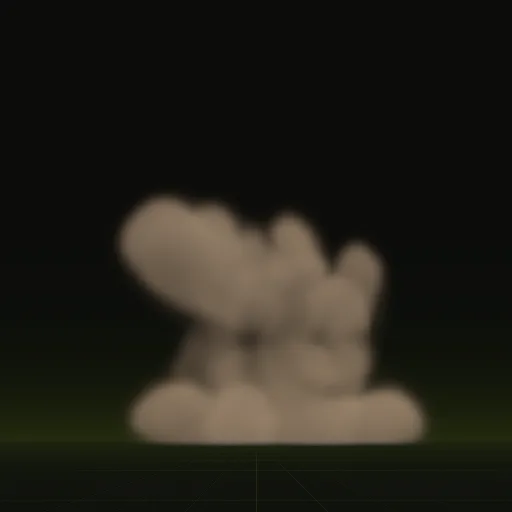
Ask your agent for a dust ring and you get a ring of dust kicked out by a blast or a landing. The example is 10.5 m wide and only 2.2 m tall, so it stays low by design. In Godot 4 your agent drops it into a scene whose origin sits on the ground, and the shader fades the dust where it meets the floor.
04 // REAL OUTPUT
Low, wide dust
How do I make dust particles spread along the ground instead of rising in Godot?
Set Flatness to 1 and Spread to 180 in the process material with gravity near 0 and Damping to slow the ring.
How do I orient dust particles flat to the floor using GPUParticles3D?
Set the draw pass QuadMesh Orientation to Face Y and Billboard Mode to Disabled, then spin each flat card with Angle.
How do I make dust collide with uneven terrain in Godot?
Add a GPUParticlesCollisionHeightField3D over the terrain and set Collision Mode to Rigid with low Bounce and some Friction.
How do I create a dust trail behind a moving character or vehicle in Godot?
Place a looping emitter at the feet or wheels with Local Coords off and toggle emitting based on floor contact and speed.
How do I stop dust particles from cutting sharply into the ground?
Turn on Proximity Fade on the dust material so pixels soften as they approach the floor surface behind them.
Compile your first effect
You pay per compile and see the price before it runs. New accounts start with $5 of usage.