LEARN // EFFECTS
What are soft particles
Soft particles fade out where a flat effect quad passes into scene geometry, so your smoke, dust or fire never shows a hard straight line where it cuts into the ground or a wall. The shader compares the depth of each particle pixel with the depth already drawn, and lowers opacity as the gap shrinks to zero.
- Godot 4 Available
- Unity Manual setup
- Unreal Engine Manual setup
- Roblox Studio Manual setup
- three.js Available
A draft compile is from $0.05, and new accounts start with $5 of usage.
01 // HOW IT WORKS
How the shader compares depths
Effects play on flat quads, and a quad that crosses the floor gets clipped along a sharp edge by the depth test. A soft particle shader reads the scene depth texture, subtracts the particle's own depth, and multiplies opacity by that gap divided by a fade distance, clamped to the range 0 to 1.
The fade distance needs tuning to the effect's size. Too short and the cut line returns; too long and a ground-level dust ring looks like it hovers. The scene must render a depth texture, which most engines do for transparent effects or let you switch on.
02 // IN YOUR ENGINE
Turn on soft particles in each engine
- Godot 4: Proximity Fade on a
StandardMaterial3D, with a fade distance in meters. - Unity (URP): the Soft Particles option on the Particles shaders, which needs Depth Texture turned on in the URP asset.
- Unreal Engine: a DepthFade node feeding the material's opacity.
- three.js: render the scene depth to a texture and compare it in a
ShaderMaterial; there is no built-in switch.
03 // REAL OUTPUT
Effects that touch the ground
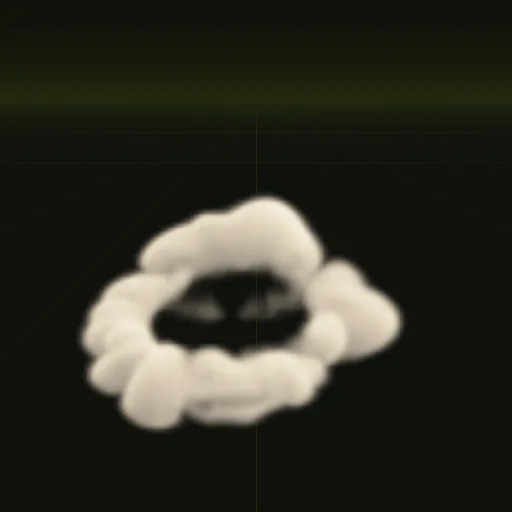
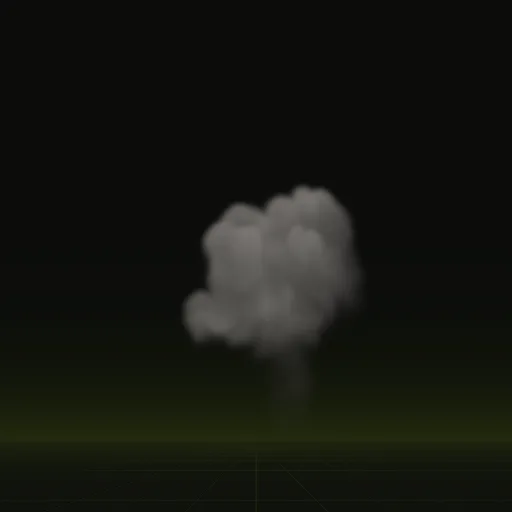
The dust ring spreads 10.5 m along the ground and the smoke column rises from it, so both need a soft edge where they meet the floor.
04 // SPATIAL COMPILER
Depth fade in the Godot 4 scene
The Godot 4 scene your agent writes fades the effect where it meets scene geometry. Every compile also stores the effect's own depth in the blue channel of main_aux.png for this soft fade. See depth fade.
How do I turn on soft particles in Unreal Engine?
Add a DepthFade node to your particle material, multiply its output into opacity and set the fade distance in centimeters.
How do I prevent dust particles from intersecting visibly with the ground?
Enable a soft depth fade like Proximity Fade in Godot so opacity drops near surfaces and spawn particles slightly above the floor.
How do I make dust collide with terrain or stay close to uneven ground?
In Godot, add a GPUParticlesCollisionHeightField3D or collision box to stop particles at the surface while keeping soft fade enabled.
Is a soft fade the same as fading a flipbook over its lifetime?
No, lifetime fading lowers opacity over time with an alpha curve, while soft particles fade by distance to scene geometry.
Compile your first effect
You pay per compile and see the price before it runs. New accounts start with $5 of usage.