GUIDE // GODOT 4
How to sync an explosion with sound and screen shake in Godot 4
Start the explosion, its sound and your camera shake from one function on the same frame, and let the shake peak at the flash and die out over about half a second. For blasts far from the camera, delay the sound by the distance divided by 343 meters per second, so it arrives after the flash as it would outdoors.
- Godot 4 Available
- Unity Manual setup
- Unreal Engine Manual setup
- Roblox Studio Manual setup
- three.js Available
A draft compile is from $0.05, and new accounts start with $5 of usage.
01 // HOW TO
One script for picture, sound and shake
- Make an explosion scene with the effect, an
AudioStreamPlayer3Dnamed Boom andexplosion.gdon the root. - Instance it at the blast point.
_ready()starts the effect, plays the sound and sets the shake strength. - The shake fades every frame and moves the camera with
h_offsetandv_offset, which leave the camera's real position alone. - Scale the starting shake by distance to the camera, so a blast across the map barely nudges the view.
extends Node3D

@onready var fx = $Fireball  # the scene wire wrote
@onready var boom: AudioStreamPlayer3D = $Boom
@onready var cam: Camera3D = get_viewport().get_camera_3d()
var t := 0.0
var shake := 0.0

func _ready() -> void:
	fx.autoplay = false
	var dist := cam.global_position.distance_to(global_position)
	shake = clampf(1.0 - dist / 60.0, 0.0, 1.0)
	get_tree().create_timer(dist / 343.0).timeout.connect(boom.play)

func _process(delta: float) -> void:
	t += delta
	fx.time_s = t
	shake = maxf(shake - delta * 2.0, 0.0)
	cam.h_offset = randf_range(-1.0, 1.0) * shake * 0.3
	cam.v_offset = randf_range(-1.0, 1.0) * shake * 0.3
Driving the effect's clock from the same _process as the shake keeps the two in step even when the frame rate dips. Free the node once the clip ends.
02 // TIMING
Where the beats fall
The flash is the first thing the eye catches, so the shake should start at full strength on the first frame and the loudest part of the sound should sit there too. A sound file with silence at the start makes the blast feel late; trim it.
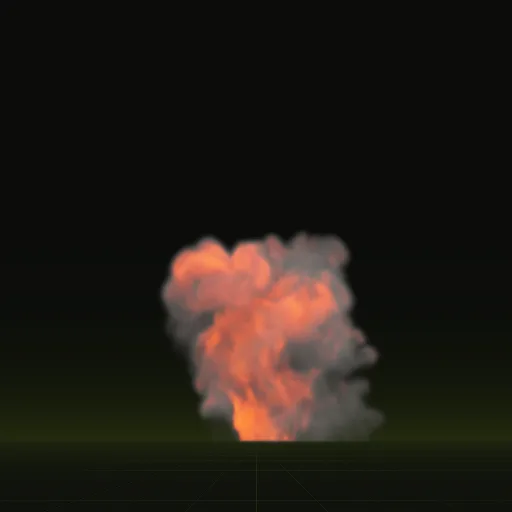
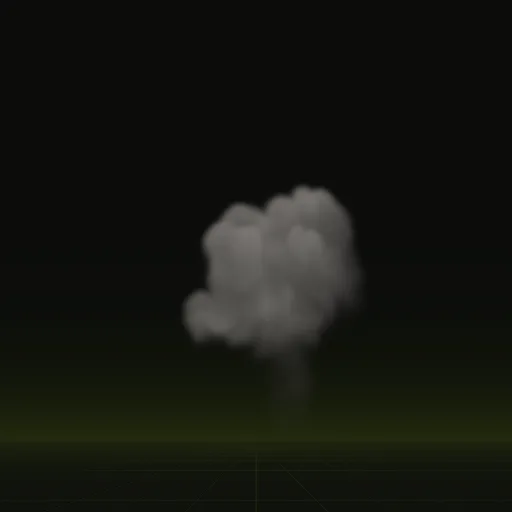
The fireball compile bursts from the ground and rolls upward for 3.7 seconds. The smoke column that follows lasts 5.0 seconds, so layering it a moment after the fireball carries the aftermath while the sound tails off.
How do I synchronize an explosion animation with sound and screen shake in Godot?
Start all three from one function on the same frame, driving shake and effect together while delaying distant sound by distance over 343.
How do I combine a fireball, smoke, flash and shockwave into one explosion scene?
Place each element as a child of one explosion scene, offset their start times slightly and trigger them from one root script.
How do I play a 3D sound effect in Godot?
Add an AudioStreamPlayer3D, assign your audio clip to Stream and call play() so volume attenuates with distance from the listener.
How do I build a complete 3D explosion in Godot?
Layer a One Shot fireball sheet, a short OmniLight3D flash, debris particles and a smoke column, then trigger sound and shake together.
Compile your first effect
You pay per compile and see the price before it runs. New accounts start with $5 of usage.