EFFECTS // UNITY
How to make a dust effect in Unity
In Unity, you can play a dust burst that plays once, a landing ring or thrown earth. Your agent makes PNG sprite sheets of 64 frames, and the Particle System's Texture Sheet Animation, with Tiles set to 8 by 8, plays them once.
- Godot 4 Available
- Unity Manual setup
- Unreal Engine Manual setup
- Roblox Studio Manual setup
- three.js Available
A draft compile is from $0.05, and new accounts start with $5 of usage.
01 // WHAT YOU GET
What you get for dust in Unity
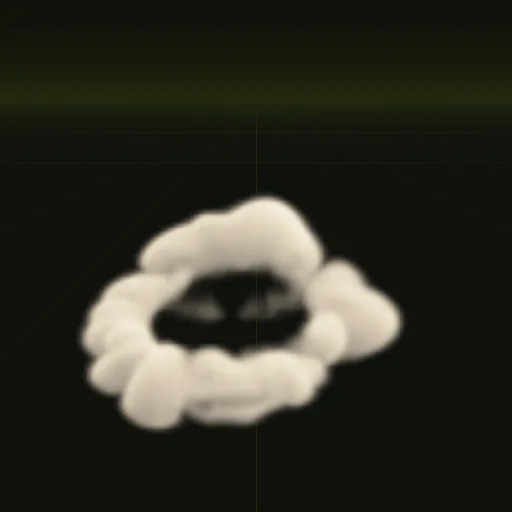
Two examples carry dust. The dust ring spreads out low along the ground for 2.1 seconds, about 10.5 m wide and only 2.2 m tall, like a blast wave or a heavy landing. The impact throws earth up with a flash and a little smoke in 2 seconds.
Each compile is four 2048 px PNG sheets of 64 frames on an 8 x 8 grid, a layout.json with the timing, and previews. The sheets carry lighting from six directions and the flame separately, not one painted color image, so Unity needs a small material to show them.
02 // BY HAND TODAY
Set up the dust in Unity by hand
- Ask your agent for the effect (for example "a dust puff about 2 m wide when a character lands") and download the output folder. Import
main_pos.png,main_neg.pngandmain_colour.pngwith Wrap Mode set to Clamp and Alpha Is Transparency off. They are data your material reads, not finished pictures, and the alpha ofmain_neg.pngholds flame brightness, which that option would treat as transparency. - Make a material for a Particle System. The quick setup uses the alpha of
main_pos.pngas opacity and its green channel (light from above) as brightness, tinted with your smoke color. Shader Graph's Flipbook node or a small custom shader can read the sheets. - In the Texture Sheet Animation module, set Mode to Grid, Tiles X and Y to 8 and Animation to Whole Sheet.
- Turn Looping off, emit one particle with a Burst, set Start Lifetime to 3 s, Cycles to 1 and Stop Action to Destroy. The dust's frames crowd its fast start, so key Frame over Time from the frame times in
layout.json(frame index divided by 64 against time divided by 3 s), or ask for a compile withexport.pacing = "even"and keep a linear curve from 0 to 1. - Keep the particle square and set its size to the meters per tile in
layout.json, a little over 10.5 m for the dust, so it shows at its real scale.
03 // REAL OUTPUT
Compare the dust examples
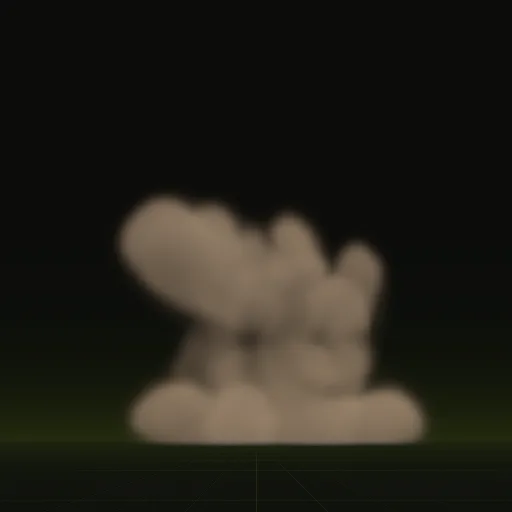
These clips are final-quality compiles of the shipped examples, played from their own sheets. Your agent can start from any of them.
04 // ADJUST IT
Adjust the dust for your scene
Dust reads best close to the ground, so line the bottom of the effect up with your terrain. Ask your agent for a smaller ring for a character landing, a sandier color for a desert map, or a taller spray for a vehicle.
Both are one-shots that end once the dust has settled.
05 // WHICH ONE
Pick a dust example
Is there a ready dust effect for Unity?
Start from dust_ring or impact and ask your agent for a 2 m landing dust puff. Animate the resulting sprite sheet in Unity.
How do I import a dust flipbook texture into Unity?
Import the PNG sheets, set Wrap Mode to Clamp, leave Alpha Is Transparency off and set Texture Sheet Animation to an 8 by 8 grid.
How do I randomize the starting frame of dust particles in Unity?
Set Start Frame to Random Between Two Constants from 0 to 63 in Texture Sheet Animation. Every frame is a valid loop start.
How do I play dust once instead of looping it in Unity?
Disable Looping, burst one particle with 3 s Start Lifetime, set Stop Action to Destroy and key Frame over Time from layout.json.
What resolution should each Unity dust frame use?
Each frame defaults to 256 px square for close views. Ask for 128 px tiles if the dust covers only a small screen area.
Compile your first effect
You pay per compile and see the price before it runs. New accounts start with $5 of usage.