SHEET FORMAT // ALPHA
How a VFX sprite sheet stores a transparent background
A sprite sheet for smoke or fire keeps its background transparent in the alpha channel, so your engine draws only the effect over the scene. Smoke uses that alpha for normal blending, and flame is usually added on top as light. You get the two in separate channels, with an empty border around every frame.
- Godot 4 Available
- Unity Manual setup
- Unreal Engine Manual setup
- Roblox Studio Manual setup
- three.js Available
A draft compile is from $0.05, and new accounts start with $5 of usage.
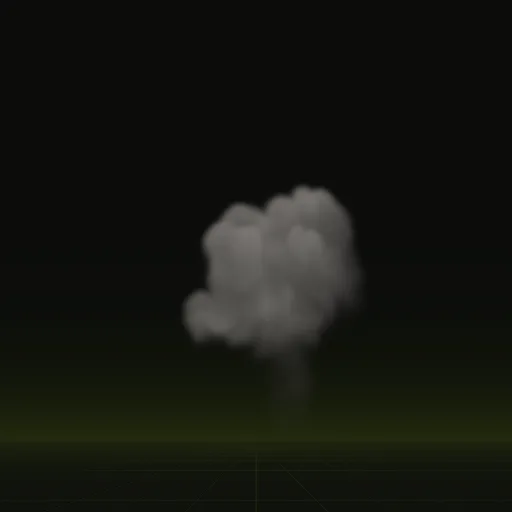
01 // HOW IT WORKS
How alpha and blending keep the background clear
Opacity lives in the alpha channel, where 0 is fully clear and 1 is solid. Smoke and dust use alpha blending, which hides what is behind them. Fire is often drawn with additive blending, which brightens what is behind and ignores alpha, so many fire sheets ship on black.
A sheet that mixes smoke and fire in one image forces one blend on both. Keeping smoke opacity and flame brightness in separate channels lets each use its own.
02 // SPATIAL COMPILER
Where the opacity is in these sheets
Opacity is the alpha of main_pos.png. Flame brightness is the alpha of main_neg.png, and the flame color is the RGB of main_colour.png. The RGB of the two lighting sheets holds light from six directions, so they look tinted when you open them in an image viewer.
Every tile keeps an empty border around the effect, 4% of the tile by default (views.margin), so frames do not bleed into each other. With obstacles, holdout cuts a clean hole in the sheets where your model will stand.
03 // ONE TEXTURE
One transparent texture for engines that take one
Roblox Studio's ParticleEmitter and a plain SpriteMaterial in three.js take a single RGBA texture. Ask your agent to pack the light from above into RGB and the opacity into alpha with export.pack, and the sheet works as an ordinary transparent flipbook.
How should transparency be stored in a six way lightmap?
Store opacity in the alpha of main_pos.png so lighting and opacity travel together, while main_neg.png alpha holds flame brightness.
How do I create a material for a transparent fire or smoke sprite sheet?
Use a transparent unshaded particle material with alpha blending for smoke, additive blending for flame and depth writes disabled.
How much padding should I add around each sprite sheet frame?
A few percent of the tile is enough. These sheets keep 4% of each tile empty, about 10 px on a 256 px tile.
How do I make a transparent flipbook texture for Roblox?
Compile at 128 px tiles into one packed RGBA image with color in RGB and opacity in alpha, then upload it.
How do I create a transparent ShaderMaterial for a three.js flipbook?
Create a ShaderMaterial with transparent true and depthWrite false, sample cell UVs and output sheet alpha or combine flame and opacity.
Compile your first effect
You pay per compile and see the price before it runs. New accounts start with $5 of usage.