GUIDE // GODOT 4
How to make particles face the camera in Godot 4
Set Billboard Mode to Particle Billboard on your particle's StandardMaterial3D, and each quad turns to face the camera while keeping its own spin. Use Y-Billboard for tall effects that should stay upright, such as a flame or a smoke column, and turn billboarding off for quads that lie flat on the ground.
- Godot 4 Available
- Unity Manual setup
- Unreal Engine Manual setup
- Roblox Studio Manual setup
- three.js Available
A draft compile is from $0.05, and new accounts start with $5 of usage.
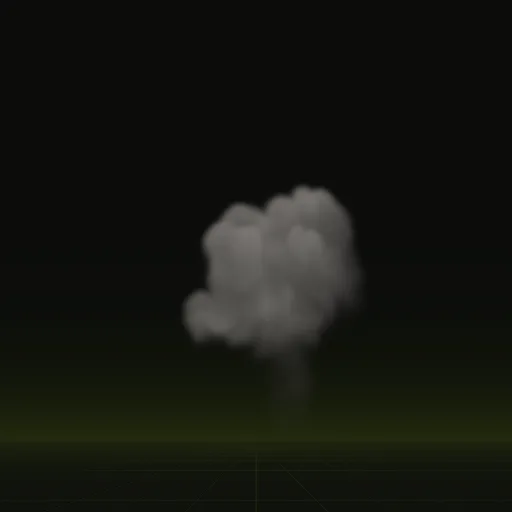
01 // MODES
The four billboard modes
A billboard is a flat quad that turns toward the camera, so a 2D image reads as a 3D effect from any side.
- Disabled: the quad keeps the rotation of its node. Use it for scorch marks and ground cards.
- Enabled: the quad faces the camera fully, tilting as you look down on it.
- Y-Billboard: the quad turns only around the vertical axis, so a flame stays upright when the camera looks down.
- Particle Billboard: faces the camera and adds each particle's own angle. It is also the only mode that shows the Particles Anim fields for a flipbook.
02 // HOW TO
Billboard a particle flipbook
- Open the draw pass
StandardMaterial3Dof yourGPUParticles3D. - Set Billboard > Mode to Particle Billboard and turn on Keep Scale if the particles should keep their scale curve.
- Set Particles Anim H Frames and V Frames to the sheet's grid.
- In the
ParticleProcessMaterial, set Angle Min and Max for spin, or leave them at 0 for a sheet with lighting precomputed in, so the lit side stays put. - For a single sprite instead of particles, use a
Sprite3Dand set its Billboard flag, with Hframes and Vframes for the grid.
03 // WITH SPATIAL COMPILER
Sheets made for a flat quad
A Spatial Compiler compile is shot by an orthographic camera from the side, with no perspective, so each tile maps onto a billboard quad without distortion. Your agent drops it into a Godot 4 scene as a quad sized in meters, so a fireball 13.4 m tall stays 13.4 m tall next to your buildings.
The shader picks the lighting out of the six-way sheets by your sun's direction, so whichever side you view the quad from, the lit side matches your sun.
04 // REAL OUTPUT
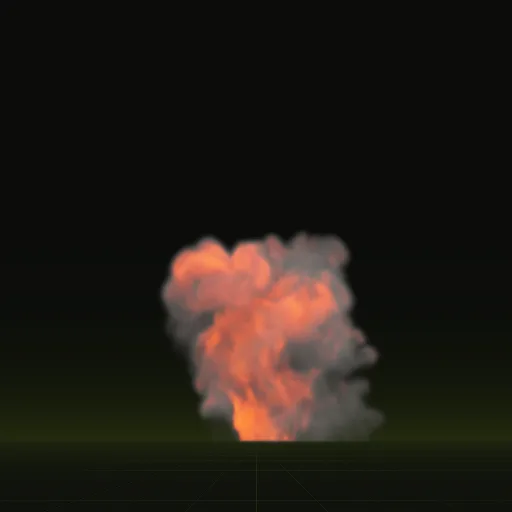
Tall effects on billboards
How do I make smoke particles face the camera correctly in Godot 3D?
Use Particle Billboard on the smoke material or switch to a Y Billboard Sprite3D when steep camera angles make cards tilt awkwardly.
How do I play an explosion sprite sheet on a billboard in Godot?
Use an AnimatedSprite3D with Billboard enabled and Loop off or use a One Shot GPUParticles3D with Particle Billboard for many blasts.
How do I rotate billboard particles in Godot?
Set Angle Min and Max in ParticleProcessMaterial so Particle Billboard spins each quad around the view direction while still facing the camera.
How do I flip a billboard sprite in Godot?
Turn on Flip H on a Sprite3D or AnimatedSprite3D, but avoid flipping smoke with painted lighting because the lit side flips too.
Compile your first effect
You pay per compile and see the price before it runs. New accounts start with $5 of usage.