GAMES // SHOOTER DUST
Dust effects for a shooter game
In a shooter, dust is the ring thrown along the ground when a shell lands or a vehicle drops, and the player sees it from eye height. Use a 2.1 s dust ring about 10.5 m across under your explosions, and compile it from a low camera so the ring reads as a wall of dust rolling toward you.
- Godot 4 Available
- Unity Manual setup
- Unreal Engine Manual setup
- Roblox Studio Manual setup
- three.js Available
A draft compile is from $0.05, and new accounts start with $5 of usage.
01 // CAMERA ANGLE
Compile the ring from the player's eye height
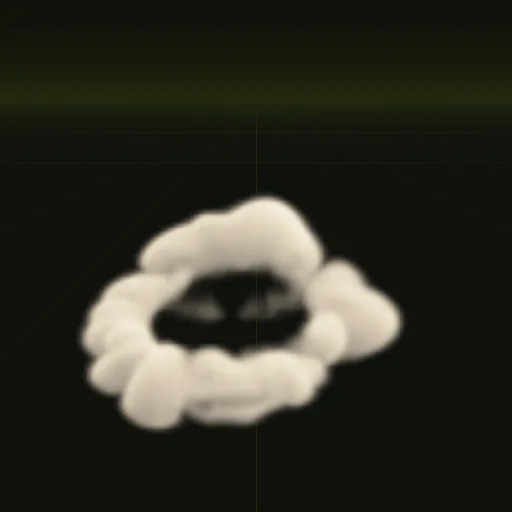
The dust ring example looks down at the ring from 35 degrees (pitch_deg = 35 in its [[views]] section), which suits a camera above the action. A player standing 20 m away with eyes 1.7 m up looks down at the ground by only about 5 degrees.
Ask your agent to compile the ring with the default side-on view (pitch_deg = 0) for first-person maps. Each view writes its own sheets, so one compile can carry both angles if your game also has an overhead camera, such as a drone view.
02 // ON SCREEN
How wide the ring reads
At 15 m, Godot's default 75 degree camera shows about 41 m across a 16:9 screen, so the 10.5 m ring spans a quarter of the width. It is only 2.2 m tall, which keeps it on the ground line where the player is already looking.
Because it is low and wide, the ring covers far fewer pixels than a fireball of the same width, so its overdraw (the cost of drawing the same pixels more than once) stays modest.
03 // HOW TO
Put the ring under an explosion in Godot 4
- Ask your agent to compile
dust_ringat final quality with a side-on view and callwire. - Instance it at the same ground point as the fireball or impact. Both origins sit on the ground.
- Start it on the same frame as the blast and free it when its 3 s clip ends.
- For a vehicle landing from a jump, play the ring alone, scaled to the vehicle's width.
04 // REAL OUTPUT
The ring, and the impact it sits under
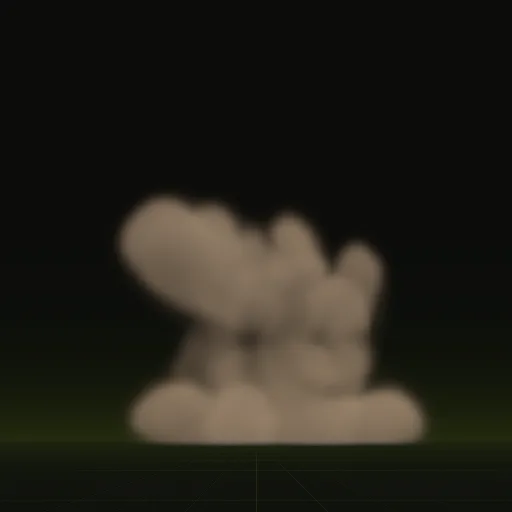
The ring is shown as precomputed, from 35 degrees above, next to the 3.5 m impact.
How do I make shooter dust spread along the ground instead of floating upward?
Use dust simulated to spread outward. The dust ring throws dust at 14 m/s with low buoyancy so it stays within 2.2 m of the ground.
How do I prevent shooter dust from intersecting visibly with the floor?
The Godot shader applies depth fade where the quad meets geometry or you can enable Proximity Fade on a manual StandardMaterial3D.
How do I use a shooter dust sprite sheet with a transparent background?
Opacity is stored in the alpha channel of main_pos.png with everything outside transparent and Godot import settings are configured automatically.
Is there a ready ground dust effect for a 3D shooter in Godot?
Yes. The dust_ring example is a 2.1 s single shot your agent can compile into a Godot scene sized in meters on the ground.
Compile your first effect
You pay per compile and see the price before it runs. New accounts start with $5 of usage.