SHEET FORMAT // MOTION
How motion vectors smooth a flipbook
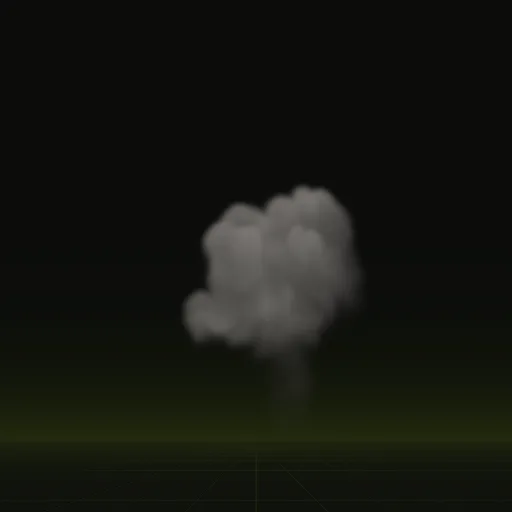
Motion vectors let your flipbook blend smoothly between frames: each pixel stores which way the smoke moved, so a shader slides one frame toward the next instead of cross-fading the two. A 64-frame sheet then plays smoothly even when slowed down. You get them in a fourth sheet, and the Godot 4 shader uses them.
- Godot 4 Available
- Unity Manual setup
- Unreal Engine Manual setup
- Roblox Studio Manual setup
- three.js Available
A draft compile is from $0.05, and new accounts start with $5 of usage.
01 // HOW IT WORKS
Cross-fade or motion blend
A flipbook at 16 to 32 frames a second can look steppy, most of all when the effect plays slowly or the camera is close. A cross-fade between neighbors hides the steps but shows two ghosted shapes at once.
A motion blend reads a motion vector, a per-pixel direction and distance stored in a texture, and pushes each frame partway toward the next, so the shapes flow from one frame into the other.
02 // SPATIAL COMPILER
Motion in Spatial Compiler's sheets
The red and green channels of main_aux.png hold the screen-space motion of what is visible, and layout.json holds the scale to decode them. The blue channel holds depth. Motion is one of the default export.channels.
In Godot 4, flipbook_6way.gdshader blends each frame toward the next along these motion vectors.
03 // OTHER ENGINES
Frame blending in other engines
Unity's URP particle shaders have a Flip-Book Blending option, which needs the UV2 and AnimBlend custom vertex streams, and Niagara has Sub UV Blending Enabled on the Sprite Renderer. Both cross-fade, so reading the motion sheet there takes a custom shader, and no tested one exists yet.
Import main_aux.png as linear data with light compression, because sRGB conversion or heavy compression bends the stored directions.
How do I blend between flipbook frames smoothly?
Use motion vectors if your shader reads them or a crossfade if it does not. These sheets include motion vectors in main_aux.png.
Why does my flipbook animation stutter or appear to skip frames?
Usually the frame rate is too low for the motion, the playback rate does not match layout.json or a loop repeats a frame.
How do I enable SubUV interpolation between flipbook frames?
Enable Sub UV Blending on the Niagara Sprite Renderer and use a material with the Particle SubUV node to crossfade between frames.
Which Unity flipbook shader blends frames?
The URP particle shaders blend frames when Flip Book Blending is enabled and UV2 and AnimBlend custom vertex streams are added in the Renderer module.
Compile your first effect
You pay per compile and see the price before it runs. New accounts start with $5 of usage.