GUIDE // ANY ENGINE
Why a flipbook animation stutters or skips frames
A flipbook stutters when it plays fewer frames per second than the motion needs, at a rate that does not match the one it was made for, or with grid settings that do not match the sheet. Check your rows, columns and frame count first, then the playback rate, then add blending between frames if the motion still steps.
- Godot 4 Available
- Unity Manual setup
- Unreal Engine Manual setup
- Roblox Studio Manual setup
- three.js Available
A draft compile is from $0.05, and new accounts start with $5 of usage.
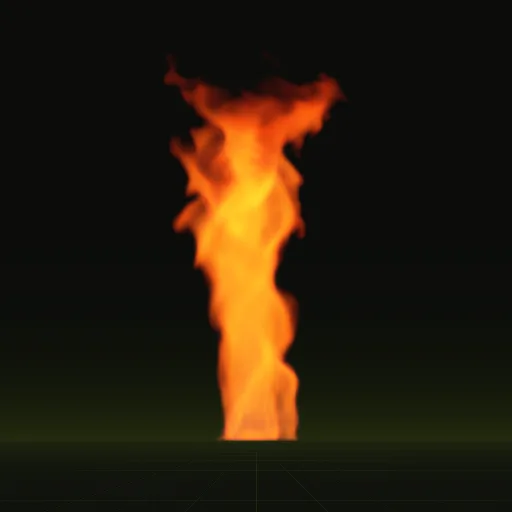
01 // HOW TO
Find the cause in order
- Check the grid. Columns and rows in the engine must match the sheet; an 8 x 8 sheet read as 4 x 4 jumps between quarter images.
- Count the frames. A 60-frame animation on an 8 x 8 grid leaves 4 empty cells, which flash blank unless the engine is told the real frame count.
- Check the rate. If the engine ties playback to particle lifetime, a random lifetime gives each particle its own speed, and short ones race through the sheet.
- Watch the wrap. A loop whose last frame copies its first holds one image for two steps every cycle.
- Compare the flipbook rate with the screen. At 24 frames per second on a 60 Hz screen, frames stay up for two and three refreshes in turn, which shows as judder on fast motion.
- If the motion still steps after all that, add frame blending or compile more frames.
02 // COMMON TRAP
Random lifetimes change the playback speed
Godot 4, Unity in Lifetime mode and Niagara in its lifetime-based mode all stretch the sheet over each particle's life. Lifetime randomness of 0.5 then means one particle plays twice as fast as another. Use a fixed rate mode, such as Time Mode FPS in Unity, or keep lifetime randomness low on flipbook particles.
03 // WITH SPATIAL COMPILER
Frame data you can check
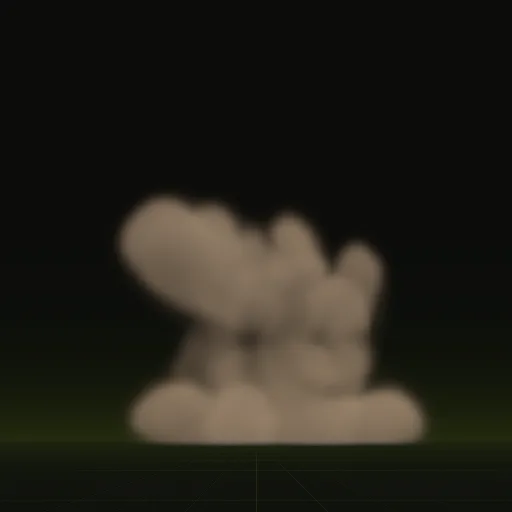
Every compile comes with layout.json, which records the grid, frame count, frame times and playback rate, so the engine settings can be copied instead of guessed. The default sheet fills all 64 cells of its 8 x 8 grid. In Godot 4 the wired scene blends between frames along motion vectors, so even the fast start of the 2.0 second impact shows no steps.
Why is my flipbook skipping frames?
Usually the grid in the engine does not match the sheet or the rate is too high. Check columns, rows and frame count first.
Why is my flipbook not animating?
The flipbook setting is off. Godot needs Particle Billboard mode with Animation Speed above 0 and Unity needs Texture Sheet Animation enabled.
How do I set the rows and columns of a Roblox particle flipbook?
Set FlipbookLayout to match the sheet grid, such as Grid8x8 for an 8 by 8 sheet. A mismatched layout plays the wrong cells.
How do I enable frame blending for smoother Roblox flipbooks?
Turn on FlipbookBlendFrames on the ParticleEmitter to crossfade frames on slow smoke. For fast fire, compile more frames instead.
Compile your first effect
You pay per compile and see the price before it runs. New accounts start with $5 of usage.