SHEET FORMAT // FLAME
How a sprite sheet stores flame brighter than white
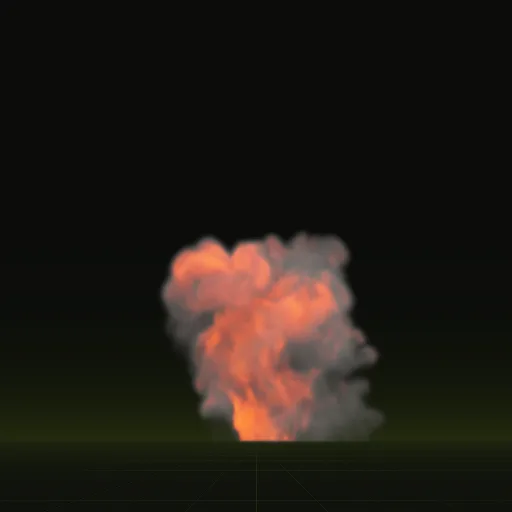
Your fire's core is brighter than white, more than an 8-bit image holds directly. The sheets store flame brightness as a square root against the clip's brightest value, so the white-hot core survives in 8 bits, and you square it back when you draw. Godot 4 adds the result as light that can bloom.
- Godot 4 Available
- Unity Manual setup
- Unreal Engine Manual setup
- Roblox Studio Manual setup
- three.js Available
A draft compile is from $0.05, and new accounts start with $5 of usage.
01 // HOW IT WORKS
Why flame needs HDR
Flame cores are many times brighter than the smoke around them. An 8-bit channel tops out at 1.0, so a plain sheet either clips the core to flat white or dims the whole fire. Engines draw flame as emissive light, often in HDR, so bloom can spread it into a glow.
02 // SPATIAL COMPILER
Where the flame lives in these sheets
- Brightness: the alpha of
main_neg.png, stored as the square root of the brightness divided by the clip's maximum. - The maximum:
scales.emit_max_hdrinlayout.json. - Color: the RGB of
main_colour.png.
To decode, square the alpha, multiply it by scales.emit_max_hdr, and multiply the flame color by the result. In Godot 4 the wired shader does this and adds the flame as HDR light, so WorldEnvironment glow can bloom it.
03 // TUNING
When the core looks pale or clipped
The compile report checks the flame. PALE_CORE means no flame pixel nears white, and the fix starts with look.exposure. FLAME_CLIPPED means over a tenth of flame pixels sit at the encoding limit, so lower look.exposure or pick a higher-precision export.format. FLAME_NOT_EXPORTED means the effect has flame but no sheet carries it, because emissive is missing from export.channels.
Ask your agent for a brighter or a duller fire in plain words, and it adjusts these for you.
Where should emissive data be stored for smoke and fire effects?
Store it in its own channel apart from smoke opacity and lighting. Here brightness is the alpha of main_neg.png and color is main_colour.png.
How do I make a Niagara fire flipbook emissive?
Use an unlit material with Additive or Translucent blend mode and drive Emissive Color with color times squared alpha times scales.emit_max_hdr.
How do I make fire particles glow using LightEmission and Brightness?
Set LightEmission to 1 for additive glow, multiply main_colour.png by the squared alpha of main_neg.png and set Brightness to scales.emit_max_hdr.
Can I decode the flame brightness in Unity Shader Graph?
Yes. Sample the alpha of main_neg.png, square it, multiply by scales.emit_max_hdr and main_colour.png and output to an additive unlit particle graph.
Compile your first effect
You pay per compile and see the price before it runs. New accounts start with $5 of usage.