SPRITE SHEET // EXPLOSION
Explosion sprite sheet for your game
You get an explosion as a sprite sheet that plays once: 64 frames on an 8 x 8 grid, 2048 px square. A fuel fireball bursts and rolls upward over 3.7 seconds, and a shell impact throws earth for 2 seconds. Ask your agent for the blast your game needs, and Godot 4 plays it in your scene.
- Godot 4 Available
- Unity Manual setup
- Unreal Engine Manual setup
- Roblox Studio Manual setup
- three.js Available
A draft compile is from $0.05, and new accounts start with $5 of usage.
01 // WHAT YOU GET
A fireball and an impact, both one-shots
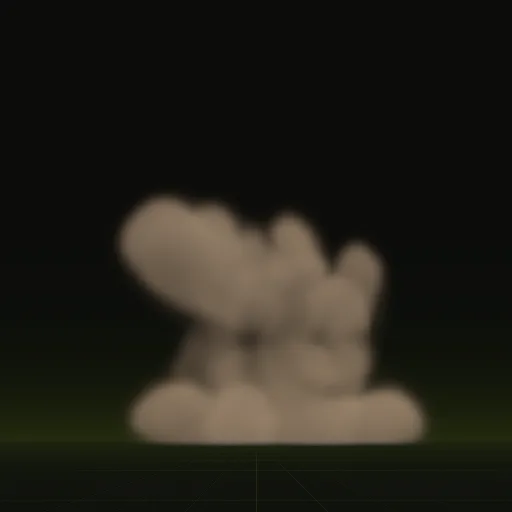
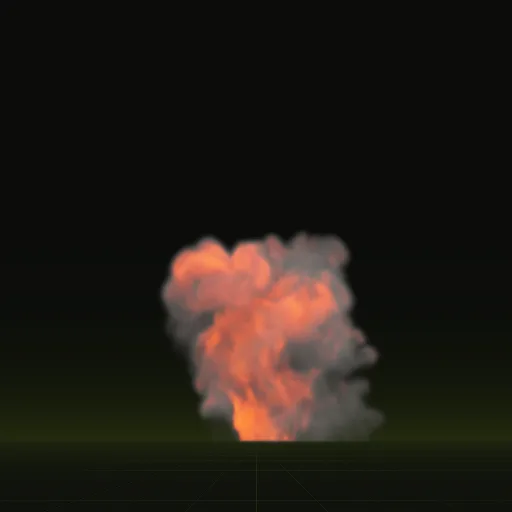
fireball: a fuel explosion that bursts from the ground and rolls upward, up to 9.4 x 13.4 m, faded out by 3.7 s. Use it for a fuel tank, a car or a barrel.impact: a shell hitting dry ground, with a flash, thrown earth and a little smoke, up to 3.5 x 2.8 m over 2.0 s. Use it for mortar, artillery or grenade hits.
Both compiles spend more of their 64 frames on the fast first moments than on the slow fade, and layout.json lists the time of every frame so the burst plays at its real speed.
02 // IN YOUR SCENE
Build a bigger blast from separate sheets
Each sheet is one element of an explosion. Play the fireball, then the smoke column as the flame dies, and a dust ring along the ground, and scale each one to the size of the blast.
Because the pieces are separate, a grenade can use the impact alone while a fuel truck uses all three.
03 // HOW TO
Get an explosion sheet made
- Connect your agent to Spatial Compiler with an API key, using MCP, the protocol your agent uses to call tools.
- Say what blows up and how big it is: a fuel barrel with a fireball about 6 m tall, or a shell landing on wet ground.
- Your agent compiles a draft from the fireball or impact example and checks that the burst has faded before the last frame, so it never pops off.
- Ask for five versions with new seeds so repeated explosions in your scene do not look identical.
- In Godot 4, have it wire the compile into a scene. Spawn the scene at the hit point; to start it yourself, set
autoplay = falseand drivetime_sfrom your code.
04 // ENGINES
Play it once in other engines
Each engine has a play-once switch. In Unity, untick Looping in the Main module and set Stop Action to Destroy. In Roblox Studio, set FlipbookMode to OneShot and call Emit(1). In three.js, remove the sprite after its last frame.
How many frames should an explosion effect use?
64 frames cover a 2 to 4 second explosion when early frames capture the fast burst and later frames handle the slow fade.
How do I use an explosion sprite sheet in Roblox?
Compile with 128 px tiles and even pacing for a 1024 px sheet, then use two ParticleEmitters set to Grid8x8 and OneShot.
How do I play an explosion flipbook once instead of looping it in Unity?
Untick Looping in the Main module, set Stop Action to Destroy and set Texture Sheet Animation Cycles to 1 over Start Lifetime.
How do I play an explosion flipbook once in Unreal Engine?
In Niagara, set Sub UV Animation to Linear with a loop count of 1, match particle lifetime and set Sub Image Size to 8 by 8.
Compile your first effect
You pay per compile and see the price before it runs. New accounts start with $5 of usage.