

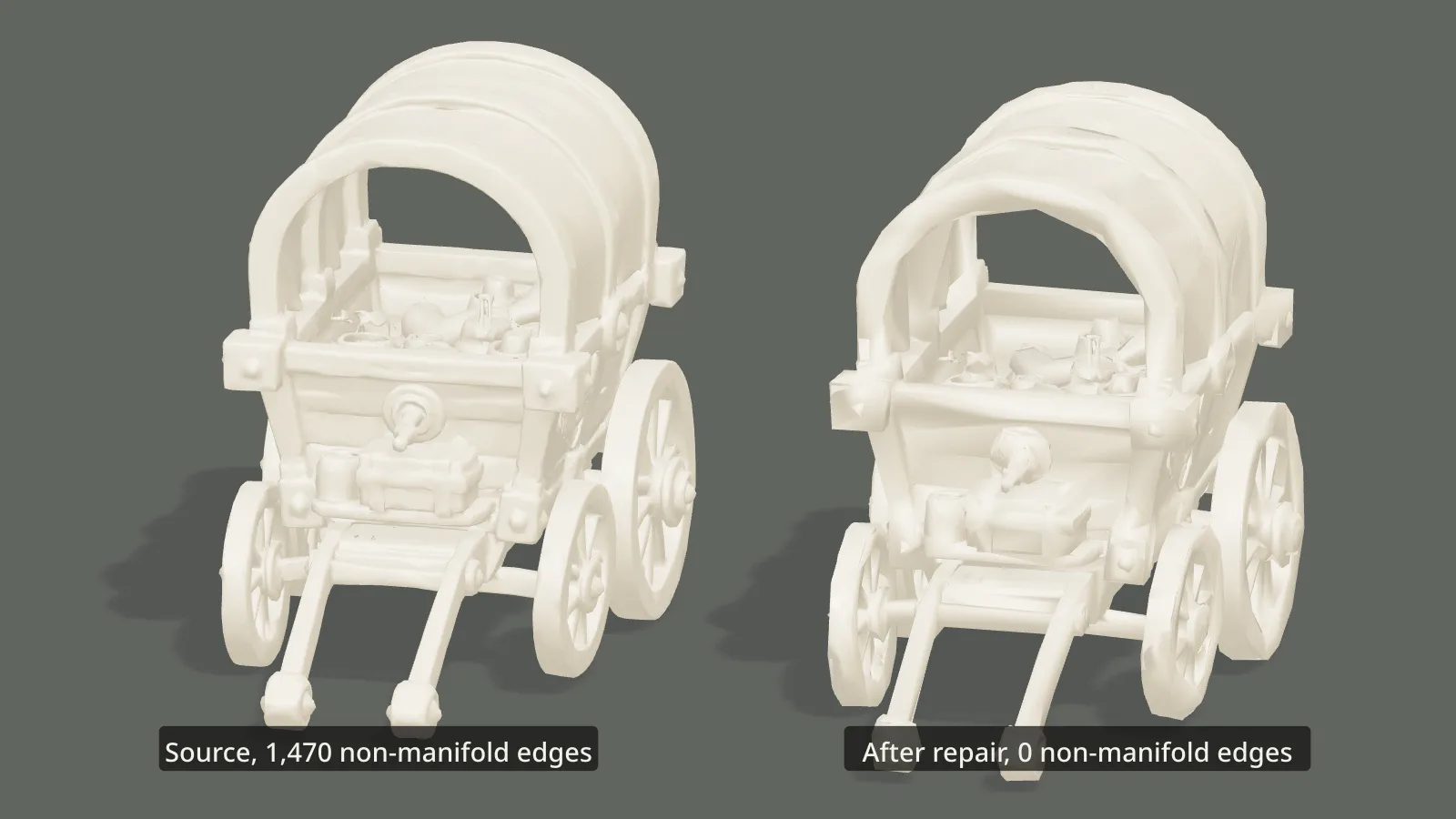
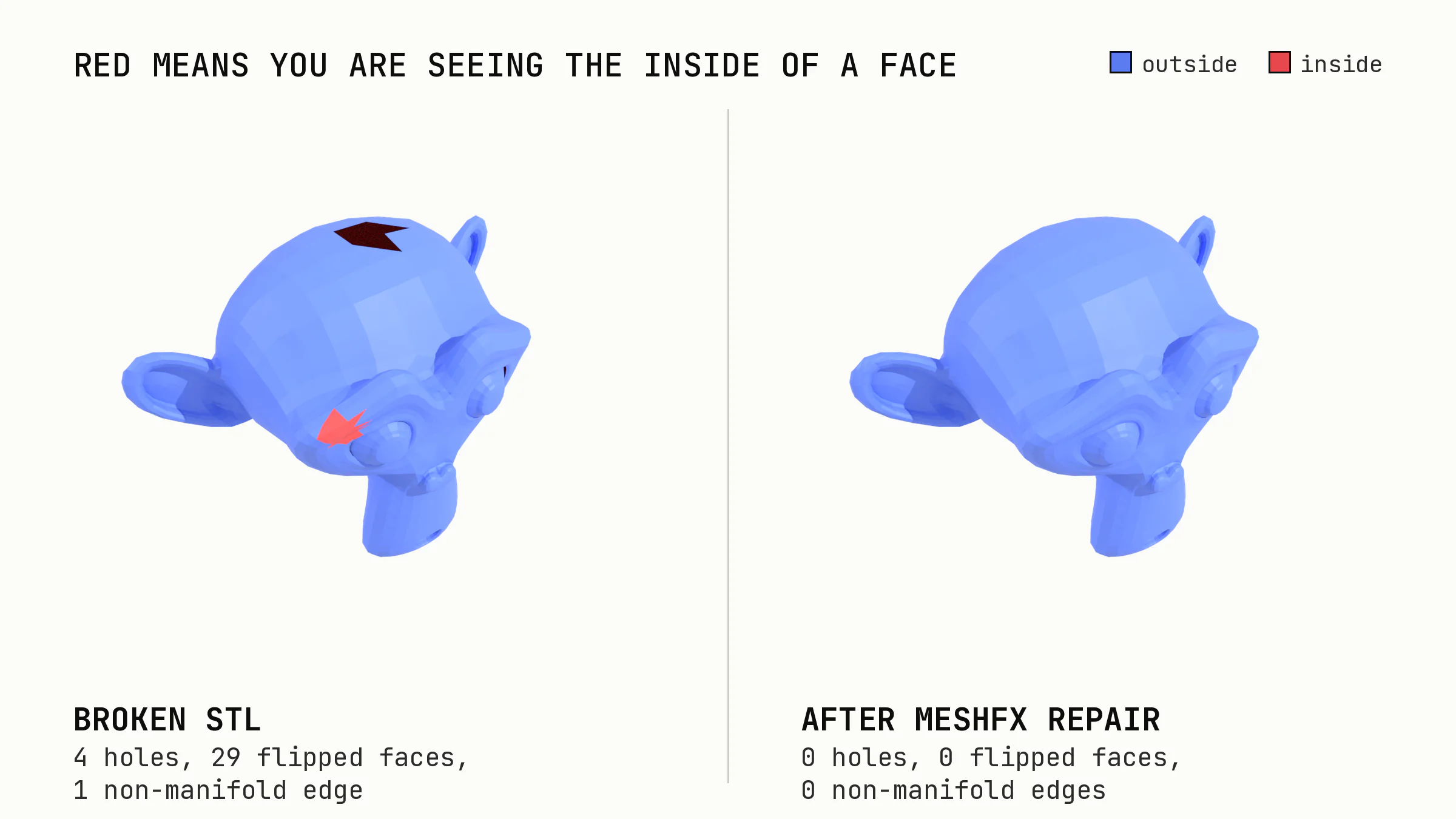
Repair a mesh so you can print it

Send meshfx a mesh that must print. It repairs faults and returns a watertight GLB. Open that GLB in Blender and export it as STL for your slicer. meshfx writes GLB, not STL.

A repaired mesh, rendered as a printed part on a bed, ready to export from Blender as STL.

Questions

Does meshfx write STL files I can send to a slicer?

No. meshfx writes GLB. Open the repaired GLB in Blender and export it as STL for your slicer.

How do I check an STL for holes before I print?

Use the STL repair check in your browser. It looks for holes, non-manifold edges, zero-area faces and flipped normals, and your file never leaves your device.

All use cases

Let your agent repair a mesh for print

Paste this prompt into Claude Code, Cursor or Codex. Your agent connects to Spatial Compiler and comes back with a repaired watertight GLB and a report of the faults it fixed.

New accounts start with $5 of usage, and you see the price of each job before it runs.

Give this to your agent

Connect the Spatial Compiler MCP server at https://spatialcompiler.dev/mcp if it isn't connected yet. Use meshfx to repair my mesh so it is watertight, then tell me how to export STL from the GLB in Blender. Show me the price before it runs.

Or add the server yourself in Claude Code:

claude mcp add --transport http spatial-compiler https://spatialcompiler.dev/mcp

Set it up in Cursor, Codex or another agent