MCP // UNREAL ENGINE
Unreal Engine MCP for fire, smoke and explosions
An MCP server lets your agent call tools while it works on your Unreal Engine project. Spatial Compiler's hosted server gives it fire, smoke, explosion and dust effects as PNG sprite sheets, which you play through a Niagara Sprite Renderer set to an 8 x 8 grid.
- Godot 4 Available
- Unity Manual setup
- Unreal Engine Manual setup
- Roblox Studio Manual setup
- three.js Available
A draft compile is from $0.05, and new accounts start with $5 of usage.
01 // ALONGSIDE
Where Spatial Compiler fits next to editor tools
MCP is the protocol your agent uses to call tools. Servers that plug into the Unreal Editor let an agent work on actors, Blueprints and levels. Spatial Compiler's server is hosted and works from any MCP client, so your agent can call it for effects next to the other tools you connected.
Compiles are measured in meters and Unreal measures in centimeters, so the 13.4 m fireball is 1,340 units tall in your level. Every tile is square, and layout.json records meters per tile, which gives your agent the square sprite size to set (times 100).
02 // HOW TO
Play a precomputed explosion through Niagara today
- Add the hosted server,
https://spatialcompiler.dev/mcp, to your MCP client and sign in in your browser. - Ask your agent to compile the
fireballexample at final quality into a folder outsideContent, packed into one RGBA sheet withexport.pack. - Drag the PNG into the Content Browser to import it, then set its Texture Group to Effects.
- Make a material with Blend Mode Translucent and the Unlit shading model, sample the sheet through the Particle SubUV node, and plug its color into Emissive Color and its alpha into Opacity.
- In a Niagara emitter, set the Sprite Renderer's Sub UV > Sub Image Size to 8 x 8 and turn on Sub UV Blending Enabled.
- Set the particle Lifetime to 4 s in Initialize Particle, the time the fireball's 64 frames span, and add the Sub UV Animation module in Linear mode so they play once. The frames are packed tighter at the start, so check the timing against
layout.json.
{
  "mcpServers": {
    "spatial-compiler": {
      "type": "http",
      "url": "https://spatialcompiler.dev/mcp"
    }
  }
}
03 // REAL OUTPUT
Two one-shots to start from
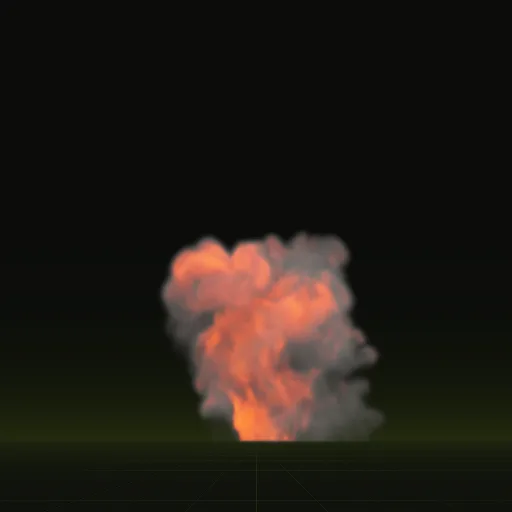
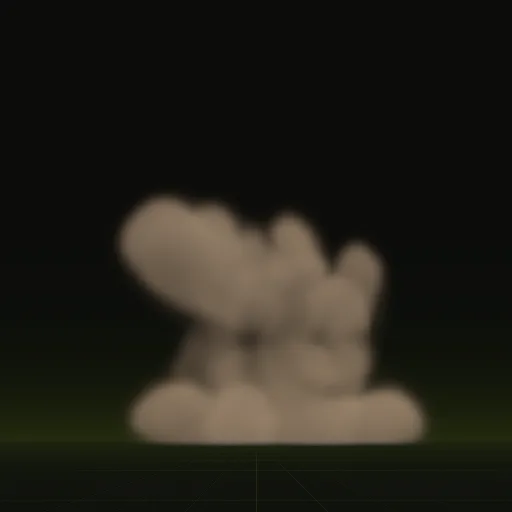
The fireball rolls up 13.4 m over 3.7 s. The impact throws earth across 3.5 m in 2.0 s.
How do I set up Unreal Engine MCP for effects?
Add the hosted Spatial Compiler MCP URL to your MCP client and sign in through your browser. No Unreal Engine plugin is required.
Do I need to install a plugin in Unreal Engine for effects?
No. The hosted server talks to your MCP client and outputs PNG sprite sheets that you import into the Content Browser.
Does Spatial Compiler work with Unreal Engine?
Yes. You import the compiled PNG sheets and play them through a Niagara Sprite Renderer by hand.
What tools does the Unreal effects MCP give my agent?
Your agent can validate specs with check, estimate prices at $0, compile sprite sheets and run sweep for up to 16 draft variants.
How do I set the SubUV grid for a compiled Unreal sheet?
Set Sub Image Size to 8 by 8 in the Niagara Sprite Renderer to match the 64 frames of a default compile.
Compile your first effect
You pay per compile and see the price before it runs. New accounts start with $5 of usage.